Enterprise Security Features in Penvio
Explore the security features that make Penvio trusted by enterprises. From encryption to SSO, learn how we protect your documents.
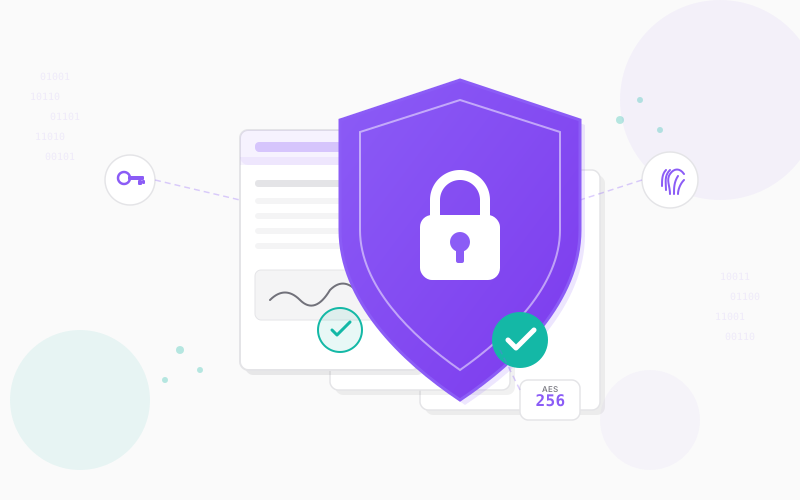
Security isn't just a feature at Penvio - it's foundational to everything we build. Today, we're taking a deep dive into the enterprise security features that help organizations of all sizes protect their sensitive documents.
Encryption at Every Layer
Data at Rest
All documents stored in Penvio are encrypted using AES-256, the same encryption standard used by banks and government agencies. Your files are encrypted before they're stored, and the encryption keys are managed securely.
Data in Transit
Every connection to Penvio uses TLS 1.3, ensuring your documents are protected as they travel between your browser and our servers.
Access Control
Single Sign-On (SSO)
For Business and Enterprise customers, we offer SAML 2.0 SSO integration. Connect Penvio to your identity provider:
- Okta
- Azure AD
- Google Workspace
- OneLogin
- Any SAML 2.0 compatible provider
Multi-Factor Authentication
Even without SSO, all users can enable MFA for an extra layer of security. We support TOTP authenticator apps and provide backup codes for recovery.
Role-Based Access
Control who can do what in your organization:
- Viewers can only view documents
- Members can create and edit documents
- Admins can manage team settings
- Owners have full control
Bring Your Own Bucket (BYOB)
Enterprise customers can store documents in their own cloud storage. Penvio supports:
- Amazon S3
- Google Cloud Storage
- Azure Blob Storage
This gives you complete control over data residency and lets you apply your own retention policies and access controls.
Audit Logging
Every action in Penvio is logged:
- Document creation, views, and edits
- User logins and permission changes
- E-signature events
- API access
Audit logs are retained for 90 days on Business plans and indefinitely on Enterprise plans. You can export logs for compliance or integrate with your SIEM.
Document Security Features
Password Protection
Protect sensitive PDFs with passwords. Choose between:
- Open password - Required to view the document
- Permissions password - Controls what viewers can do
Redaction
Permanently remove sensitive information from documents. Unlike white rectangles or black boxes, Penvio's redaction actually removes the content from the file, making it unrecoverable.
Digital Signatures
Apply PKI-based digital signatures that prove document authenticity and detect tampering. Signatures include timestamps and can be verified by any PDF reader.
Compliance
Penvio is designed to help you meet regulatory requirements:
- ESIGN Act - Our e-signature implementation is legally binding
- SOC 2 Principles - We follow SOC 2 security principles
Infrastructure Security
Cloud Infrastructure
Penvio runs on leading cloud providers with:
- Cloud-native infrastructure with provider-managed redundancy
- Managed database with automated backups
- Regular backups
- Custom uptime SLA
Security Monitoring
We actively monitor for threats using:
- Intrusion detection systems
- Log analysis
- Vulnerability scanning
- Penetration testing
Get Started
Ready to secure your document workflows? Contact our sales team to learn more about Enterprise features, or start a free trial to explore Penvio today.